
Run a Christmas Tree Lot Expand & Upgrade Your Lot
Grow square footage only after shelves and workers can fill it.
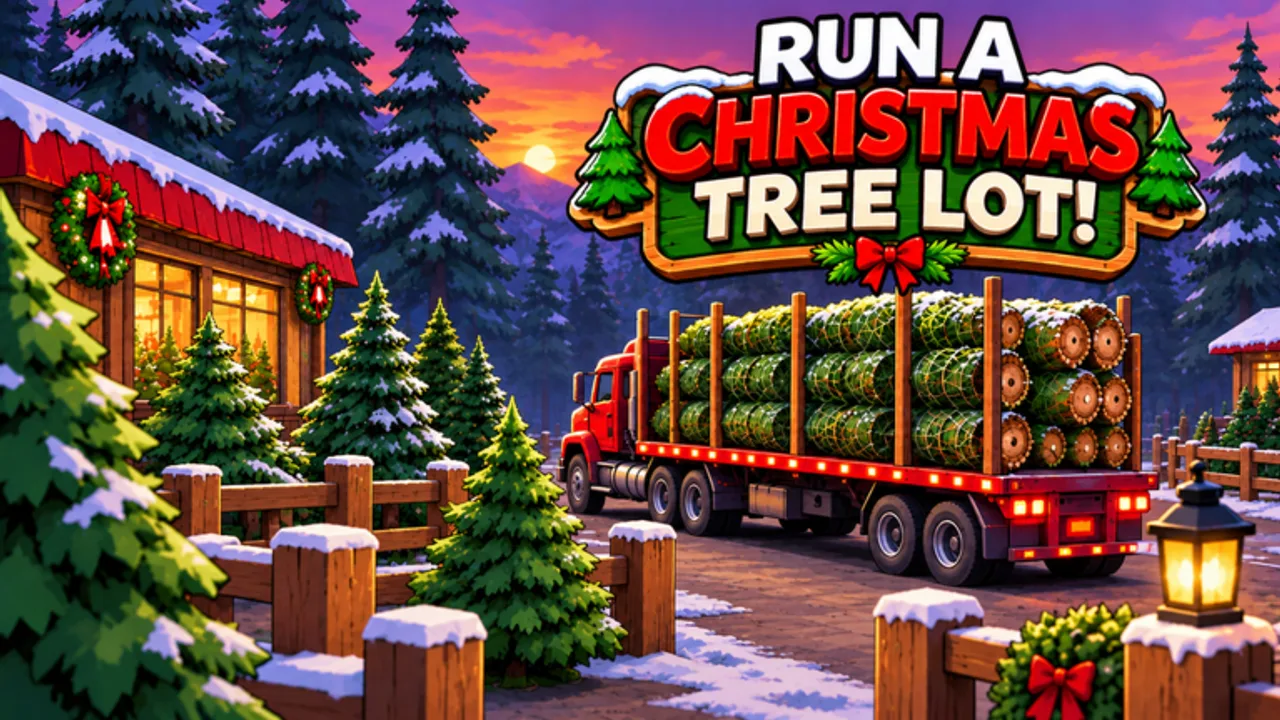
The official loop for Run a Christmas Tree Lot ends with a clear goal: expand and upgrade your Christmas tree lot. Players often hit that button too early. This guide explains when expansion actually helps, what to buy before more footprint, and how upgrades fit Cash and Reputation during busy holiday lobbies.
Read Getting Started if you are still learning the Menu, keep Codes bookmarked for free Cash, and use the Tier List whenever you are torn between stock, hires, and space.
What “expand” means in this tycoon
Expansion unlocks more room for stands, displays, and customer flow on your shared six-player server. Upgrades improve how the lot handles volume — think capacity and convenience, not a free win. Neither replaces the core loop: order trees → stock → sell → hire → expand when blocked.
Empty pads look impressive in screenshots and terrible in sales. If you unlock space you cannot fill, you create longer walks, thinner displays, and the same Cash problem with more ground to cover.
Preconditions before you expand
Check these boxes in order:
- Shelves stay full during a normal rush — see Tree Types and Earn Cash Fast.
- You can afford the expansion and an immediate restock in the same session.
- You have at least one hire when you are the bottleneck — Hire Workers.
- Reputation is not collapsing foot traffic — Reputation Guide.
- You are not mid-timed multiplier with empty racks (burn MISTLETOE / NICELIST on full shelves first — How to Redeem Codes).
If any box fails, spend Cash on stock or labor instead. Expansion is a B-tier move on the Tier List for a reason.
Signs you actually need more space
- Inventory orders no longer fit cleanly on current stands.
- Customers queue while you have trees in storage you cannot place.
- Workers are efficient but physical layout is the choke point.
- Event traffic (especially around Christmas Event Part 2) clearly overflows the starter footprint.
Signs you should wait:
- Cash came from codes and you have not restocked yet.
- You want the lot to “look big” for a clip.
- You still carry every sale alone and shelves go empty when you walk away.
- You are chasing cosmetics or the OG Golden Plaque flex while pads sit bare.
Upgrade spending order
After a healthy restock:
- Fix the bottleneck that loses sales (space vs labor vs mix).
- Expand only the slice of footprint you can fill today.
- Re-seed a mixed tree lineup across the new pads.
- Add another worker if the larger floor creates new dead zones.
- Revisit Reputation so the bigger lot still draws shoppers.
During holiday spikes, prefer capacity that sells over décor. Decorations and plaques are fine once Cash flow is stable; they are not a substitute for trees customers can buy.
Event weeks and expansion
Christmas Event Part 2 (teased for November 15, 2026 with “Something worse is coming”) can spike concurrency hard — the experience already climbed past 30k concurrent players in mid-November. Crowded servers mean more competition for attention on a six-player map and less forgiveness for empty stands.
Prep before an event expand:
- Redeem every active code on Codes.
- Bank Cash for stock + one hire + optional footprint.
- Skim Updates for any post-drop notes before committing a huge layout change.
- Keep Discord etiquette from Players in mind when lobbies are chaotic.
If Part 2 adds new sinks or tree types, expand after you understand the new demand — not during the first five minutes of a trailer rush.
Common expansion mistakes
Expanding on code Cash alone. Free Cash feels like permission to grow. It is permission to stock. Grow after the loop is smooth.
Expanding before the first hire. A bigger solo lot is a bigger chore. Hire when you are the bottleneck, then open space.
Ignoring Reputation after growing. More pads with fewer visitors is a quiet failure. Push Rep while you fill the new floor.
Layout without a restock plan. Every new pad needs a tree plan. Pair expansion sessions with Tree Types.
After you expand — five-minute checklist
- Restock every empty stand.
- Walk the new pathing once as if you were a customer.
- Confirm workers cover the far pads.
- Burn any active Cash multiplier while shelves are full.
- Recheck Tier List before the next big spend.
Expansion is how a starter stand becomes a real Christmas business — when stock, staff, and Reputation arrive first. Use this page whenever the upgrade button is glowing louder than your sales meter.
Frequently Asked Questions
Quick answers to the most common questions.
When should I expand my Christmas tree lot?
Expand when stock and workers can fill the new space and sales are blocked by footprint — not the moment code Cash arrives.
Should I expand before hiring workers?
Usually no. Hire when you are the bottleneck, keep shelves full, then expand so the larger floor still gets served.
Do lot upgrades replace stocking trees?
No. Upgrades help capacity and flow. Empty shelves still earn nothing. Restock first, upgrade second.
How does Christmas Event Part 2 change expansion?
Event traffic can justify more space, but only after you redeem codes, restock, and confirm the new demand on the Updates hub.
Where does expansion rank on the tier list?
Expansion is B-tier growth. S-tier stock and A-tier first hire come first; cosmetics stay C-tier.